Opositores a cuerpos de la administración pública española, como maestros, auxiliares administrativos o policía, que preparan su examen tipo test de manera autónoma y necesitan una herramienta ágil para autoevaluarse.
How it works
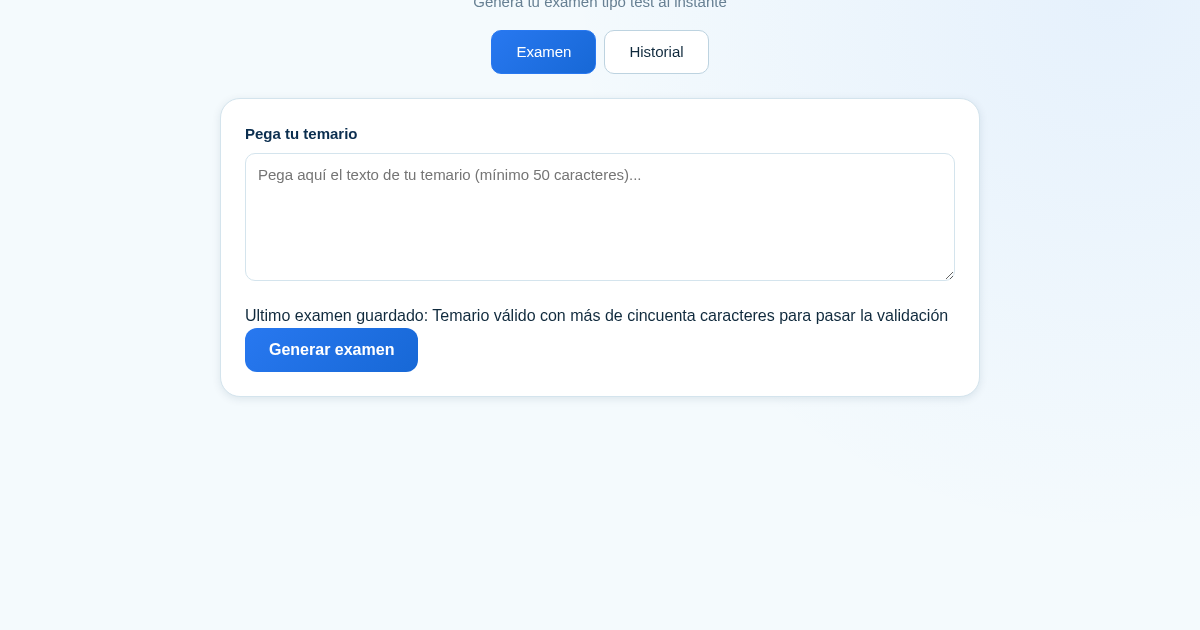
- Pega el texto de tu temario en el campo de texto (entre 50 y 6000 caracteres) y pulsa 'Generar examen'.
- La aplicación crea automáticamente un examen tipo test con 5 preguntas, cada una con 4 opciones etiquetadas a/b/c/d.
- Responde las preguntas directamente en la pantalla y pulsa 'Enviar respuestas' para ver tu puntuación al instante.
- El examen y tu puntuación se guardan automáticamente en el historial, donde puedes consultarlos en cualquier momento.
What you gain
- Genera exámenes personalizados a partir de tu propio temario.
- Obtén tu puntuación al instante, sin esperas.
- Guarda automáticamente cada examen en tu historial.
- Consulta exámenes anteriores con su temario y puntuación.
- Practica con cualquier tema las veces que quieras.
Screenshot
Technical details
How to set up & use
- Buy the license — your key (lic_...) appears on the order page and in your email.
- Sign in at app.synoriaai.com with your license key.
- No installation — the product runs in your browser, on your own isolated instance.
- 1. Pega el texto de tu temario en el campo de entrada.
- 2. Pulsa el botón 'Generar' para crear tu examen tipo test.
- 3. Responde a cada pregunta seleccionando la opción que creas correcta.
- 4. Pulsa 'Enviar' para obtener tu puntuación al instante.
- 5. Consulta tu historial de exámenes anteriores en la pestaña 'Historial'.
Frequently asked questions
¿Qué datos se envían al generar el examen?
Solo se envía el texto que pegas como temario para generar las preguntas. No se almacena ni se comparte con terceros.
¿Puedo usar el mismo temario varias veces?
Sí, puedes repetir el proceso con el mismo texto o con cualquier otro tema las veces que quieras.
¿El historial guarda mis respuestas?
El historial guarda los exámenes generados y tus puntuaciones, pero no las respuestas individuales.
Related products
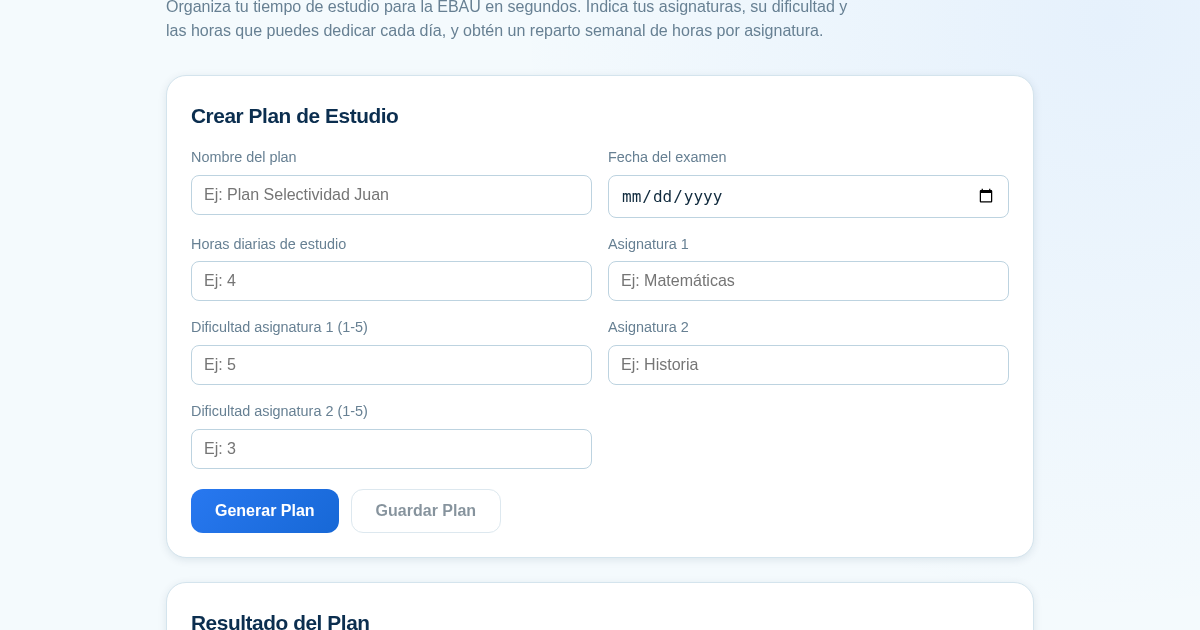
Planificador de Estudio para la EBAU
Organiza tu tiempo de estudio para la EBAU en segundos. Indica tus asignaturas, su dificultad y las horas que puedes dedicar cada día, y obtén un reparto semanal de horas por asignatura, guardado para que siempre puedas…
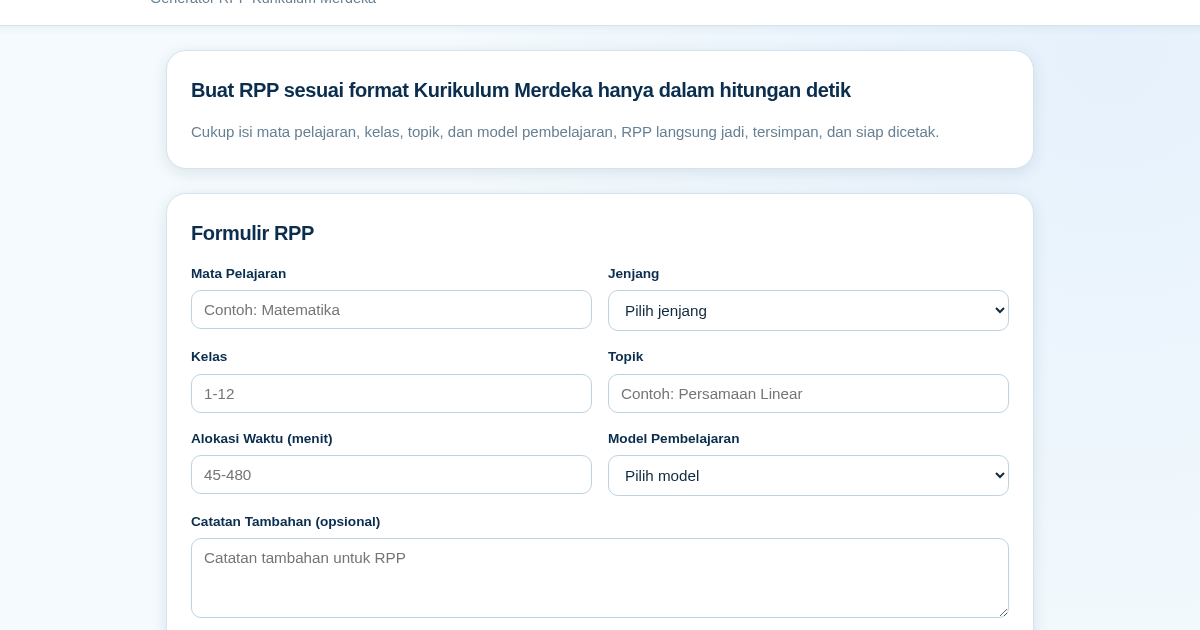
RPP Instan – Generator RPP Kurikulum Merdeka
RPP Instan membantu guru di Indonesia membuat Rencana Pelaksanaan Pembelajaran (RPP) sesuai Kurikulum Merdeka dengan cepat. Guru cukup mengisi formulir singkat, dan RPP langsung tersusun otomatis sesuai struktur yang…
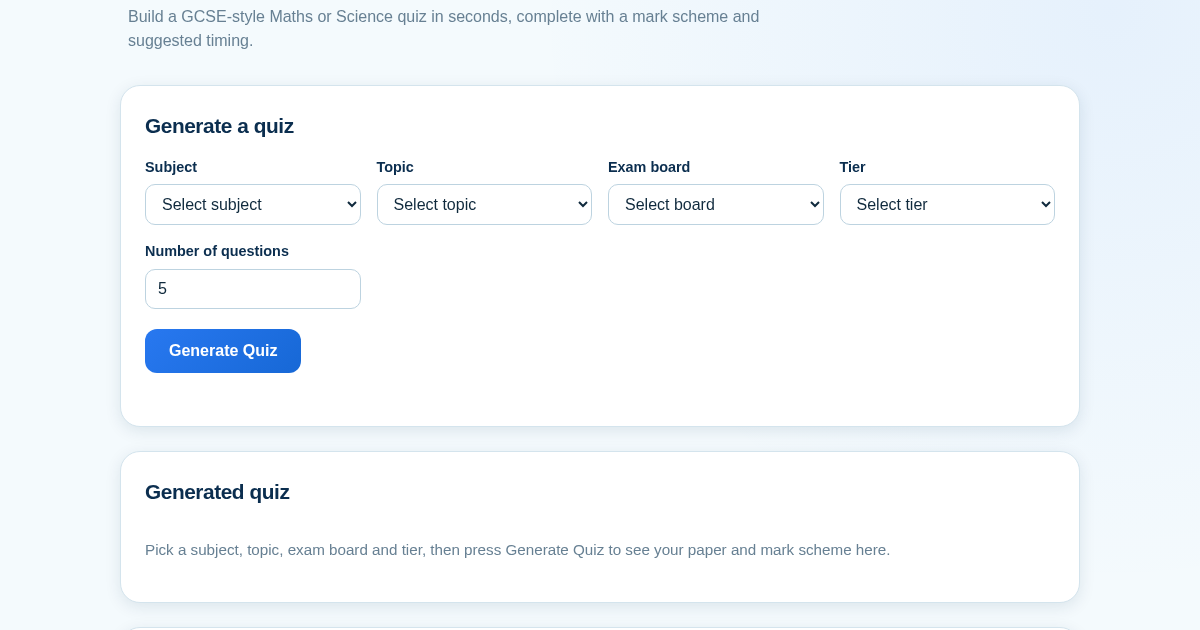
GCSE Quiz Generator for Teachers
GCSE Quiz Generator helps UK secondary school teachers and private tutors quickly create GCSE-style Maths and Science quiz papers from a built-in question bank. It automatically provides a mark scheme and suggested exam…
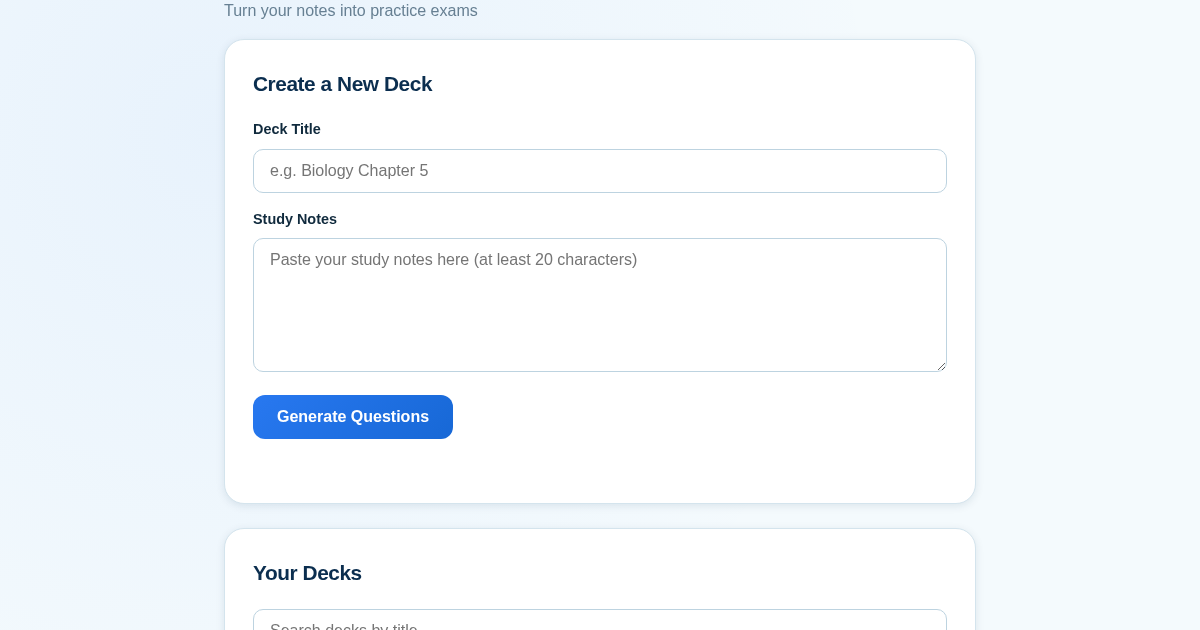
ExamGenius — Turn Your Notes Into Practice Exams
ExamGenius turns pasted study notes into practice quiz questions and schedules reviews using a spaced-repetition algorithm so learners retain material longer. Users paste notes, generate a question deck, self-grade…